Experiencing unstable home broadband connections or sudden disconnections? No need to panic, just follow these three simple troubleshooting steps to resolve common network issues on your own anytime.
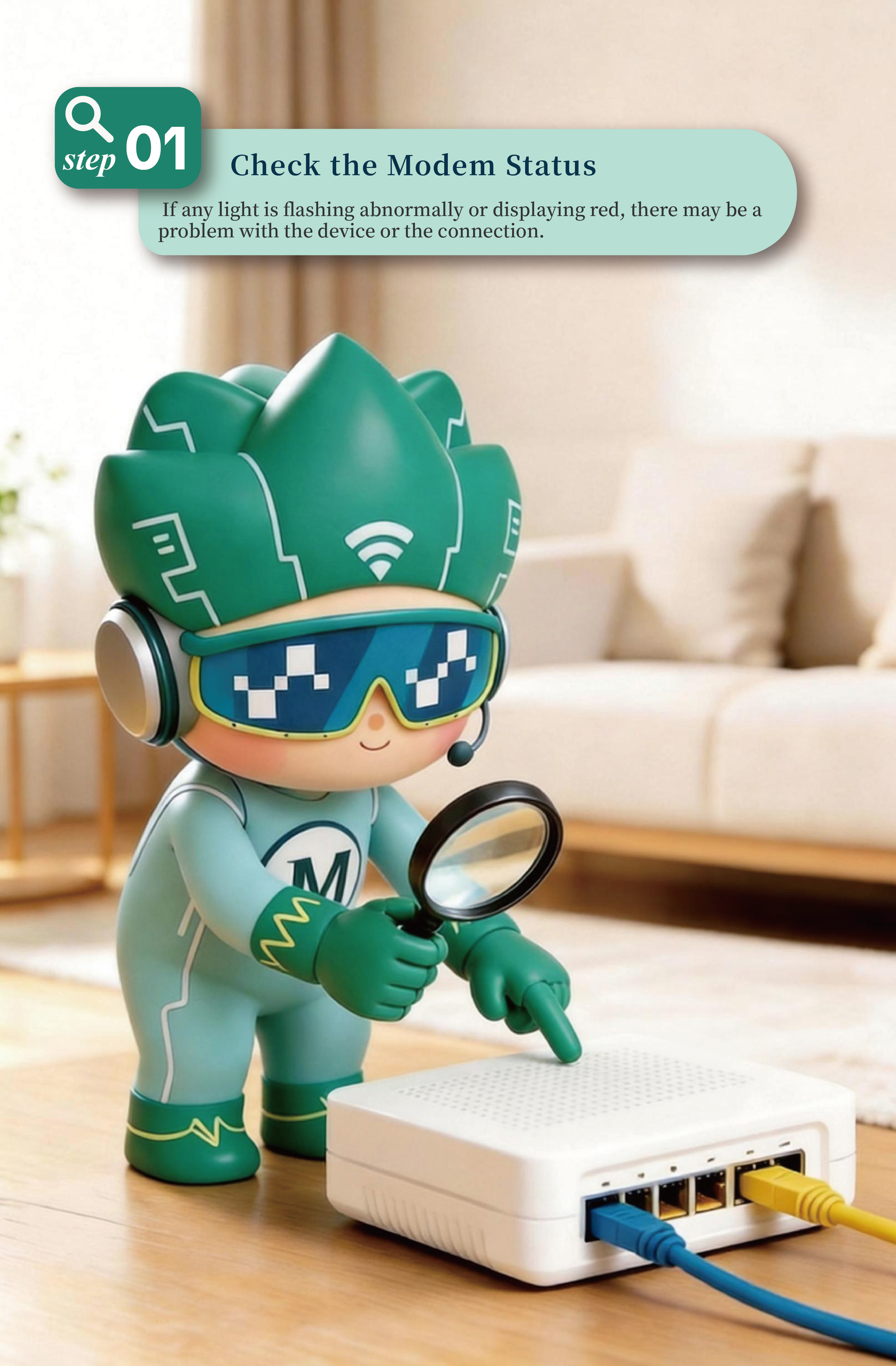
Step 1: Check the Modem Status
First, carefully check the indicator lights on the modem to ensure that the power light is steadily on and the Optical Signal (PON/LOS) light is not flashing a red warning. If any light is flashing abnormally or displaying red, there may be a problem with the device or the connection.
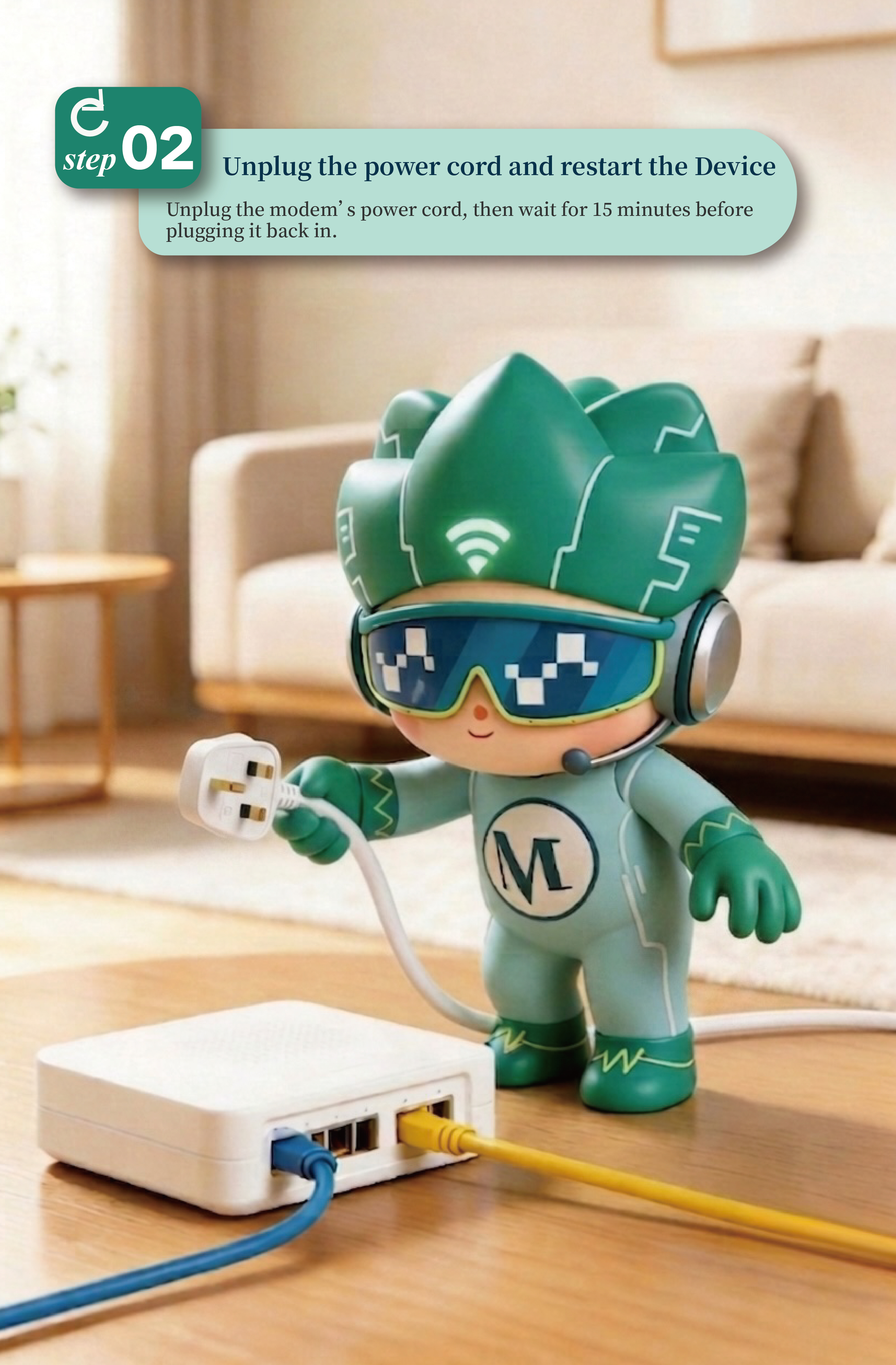
Step 2: Unplug the power cord and restart the Device
If the lights appear normal but you still cannot connect to the internet, unplug the modem’s power cord. Wait for 15 minutes before plugging it back in, then check if your connection is restored. Most minor network glitches can be resolved with a simple reboot.
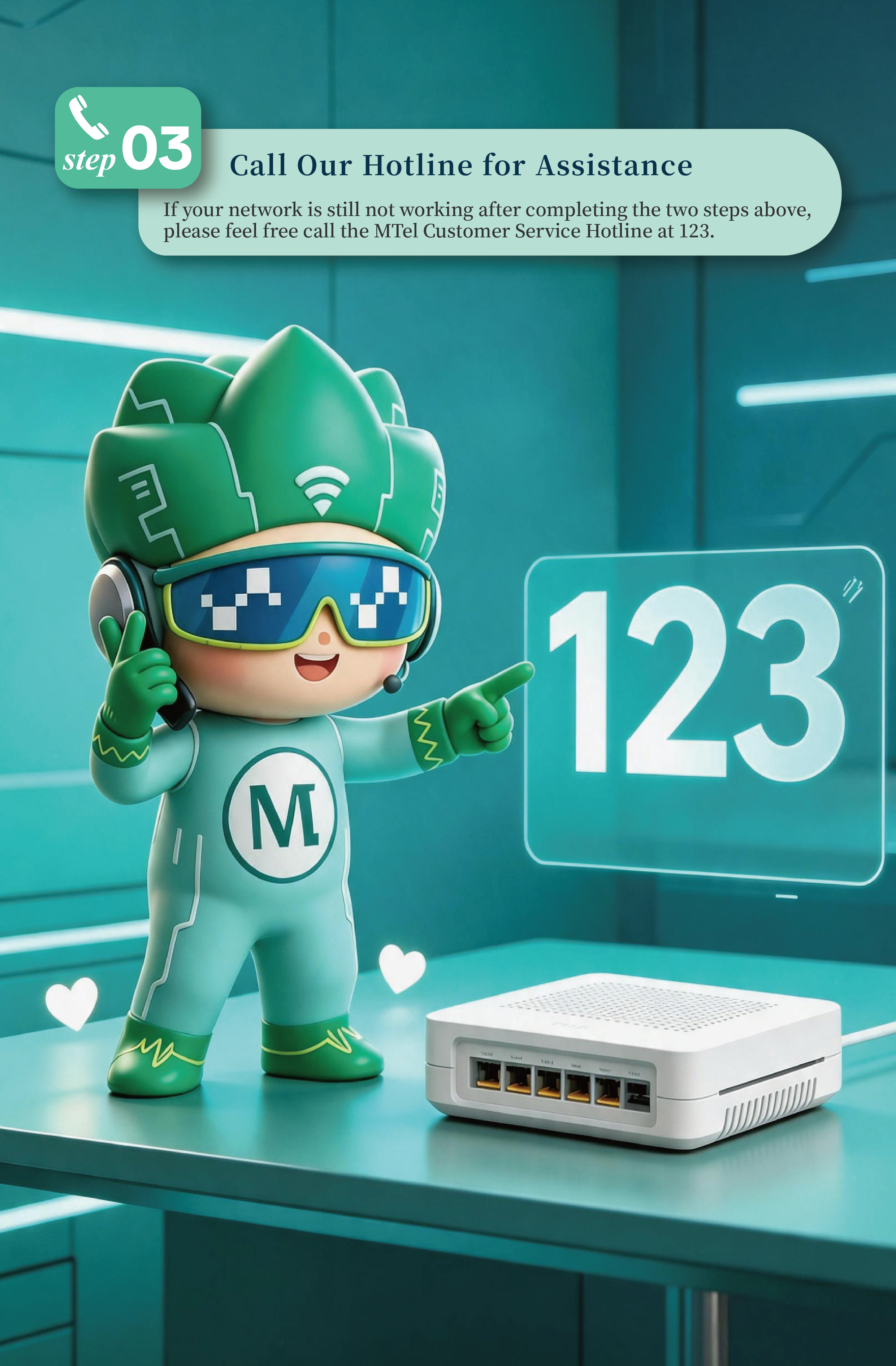
Step 3: Call Our Hotline for Assistance
If your network is still not working after completing the two steps above, please feel free call the MTel Customer Service Hotline at 123. A dedicated staff will follow up with you to troubleshooting and arrange repairs to get you back online as soon as possible.